KRKART
Lumina — make people glow as incandescent silhouettes on a dark background
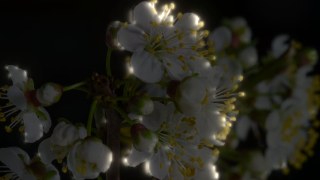
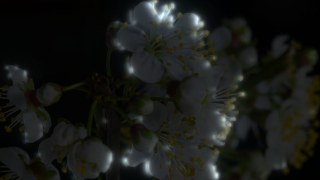
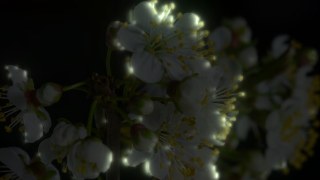
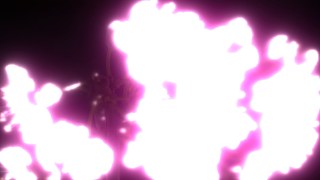
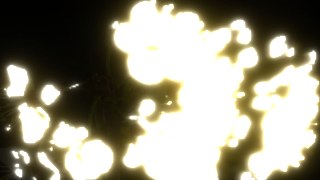
Lumina turns the subject in your footage into a glowing white-hot silhouette with a warm halo, on a darkened scene. It runs entirely in your browser on webcam, video, or an image — nothing is uploaded, your files never leave your device.
What it does
Lumina lights up whoever — or whatever — you point it at. Pick one of four detection sources: Motion lights up anything that moves, Bright and Dark light up the light or dark zones of the frame, and Lock lets you click a person or object so its whole silhouette is captured and stays lit as it moves. In Lock mode Lumina region-grows the shape of your subject outward from the point you clicked, with a Form Expansion slider to grab more of the silhouette and a Max Radius safety limit so the glow doesn't flood the background. A click sends a confirmation ring rippling out from the spot, and the light keeps following the subject frame to frame.
The detected silhouette is rendered as a stacked glow: a hot white core, a warm-white inner glow, a colored halo, and a wide spill of light thrown onto the surrounding room, all over a darkened version of the scene. You control the core and edge colors, glow size and intensity, edge softness, a persistence slider for trailing light streaks, how dark the background goes, and how much light spills onto the environment. Detection quality (160/220/320px), cover or contain fit, and Pro export FPS and bitrate round it out. Combine Lumina with other KRKART effects, animate any setting on the keyframe timeline, work in 9:16, 1:1, or 16:9, and export to MP4, WebM, or PNG.
Use it for
- Make a dancer or performer glow as a white-hot silhouette in a 9:16 music video clip
- Click-lock a single person in a crowd so only they light up and the glow follows them
- Turn a moving subject into trailing streaks of light with the persistence slider
- Create a dark, high-contrast intro shot where the subject emerges as pure glow
- Spill warm light onto the room around a speaker for a cinematic, moody portrait look
- Light up a product or prop on a dark set by locking it and shaping the glow
How to use it
Open the Studio and pick a source: your webcam, a video or an image.
Add Lumina from the hub, tweak its controls and watch the preview update live.
Export a 9:16 MP4 (or WebM / PNG) — no watermark with a license.
6 ready-made looks
Each look is a one-click starting point for Lumina — it opens in the Studio on a demo clip, ready for your own footage.