KRKART
Super-G — a real-time digital and analog glitch compositor
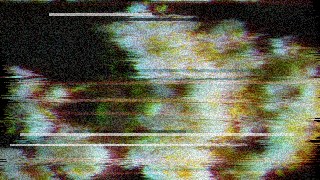
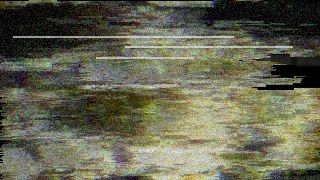
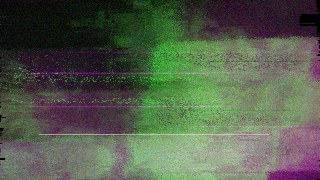
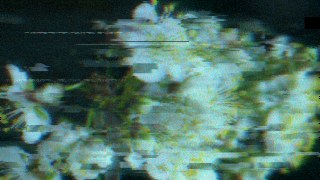
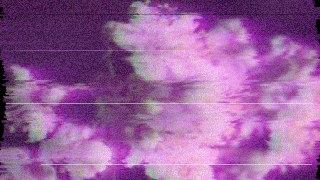
Super-G stacks RGB split, datamosh, block tearing and VHS noise over your webcam, video or image in real time. It runs entirely in your browser — nothing is uploaded, your files never leave your device.
What it does
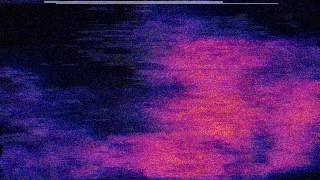
Super-G is a layered glitch engine, not a single filter. It stacks geometric glitches — digital stripe, image-block and line-block displacement, scanline jitter, screen jump, screen shake, tile jitter and sine-wave warp — then runs a per-pixel pass for the heavier corruption: datamosh that drags pixels from the previous frame along a moving displacement field (a fake P-frame mosh look), channel delay and echo for ghosted RGB lag, RGB split (chromatic aberration), scanline-synced tearing, VHS dropout bands, palette-corrupting color glitch and analog noise. Every parameter is a 0–1 slider, so you can dial in anything from a subtle chromatic shimmer to a fully shattered, broken-signal look.
Start fast with Scene presets — Clean, VHS Tape, Broken TV, Datamosh, Cyber, Vaporwave and Corrupt — each of which sets the whole stack at once, then refine with the sliders. There are four quick Apply-Preset targets (subtle, full, analog, digital) and seven palette modes for the color glitch (rgb swap, invert, posterize, cyber, vapor, thermal, mono). A Master section controls overall intensity, glitch rate and trigger mode (continuous, beat or strobe), with an optional audio-reactive toggle that drives the glitch from an uploaded track. Choose a working quality from 360 to 520px, fit video as cover or contain, and export a still as PNG or a clip as MP4/WebM with adjustable FPS and bitrate. Works on webcam, video or a single image, in 9:16, 1:1 or 16:9, and can be chained with other effects via Combine or animated on the keyframe timeline.
Use it for
- Add an RGB-split glitch hit to a 9:16 reel drop
- Datamosh a video clip without desktop editing software
- Build a VHS-tape look with dropout bands and analog noise
- Make a beat-synced glitch loop for a music visualizer
- Corrupt a logo or still image with block and line tearing
- Strobe-trigger a broken-signal transition between scenes
How to use it
Open the Studio and pick a source: your webcam, a video or an image.
Add Super-G from the hub, tweak its controls and watch the preview update live.
Export a 9:16 MP4 (or WebM / PNG) — no watermark with a license.