KRKART
Liquid — animated wave distortion for video, webcam and images
Liquid pushes your footage through animated sine waves so it ripples, flows and swirls in real time. It runs entirely in your browser on your webcam, video or image — nothing is ever uploaded.
What it does
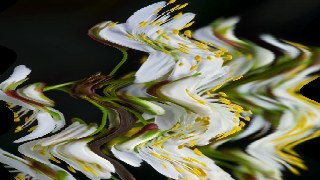
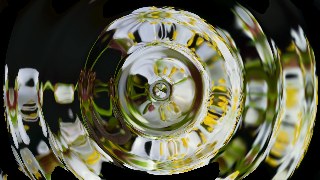
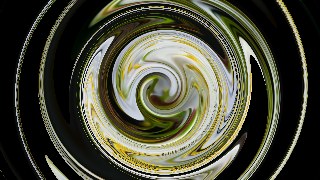
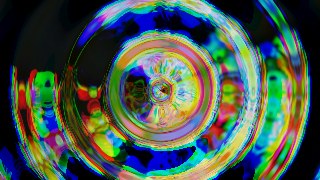
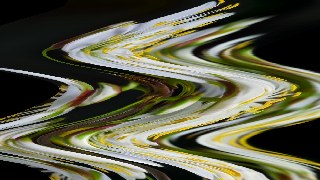
Liquid displaces your source with time-driven sine waves across four modes. Horizontal makes rows ripple side to side and Vertical makes columns undulate, both rendered as fast image slices for smooth real-time playback. Radial sends concentric ripple rings out from a center point, and Swirl twists the picture into a liquid vortex that eases off toward the edges — both built from a per-pixel remap that you can dial in with a Quality setting (260 to 520px) for the speed-versus-sharpness balance you want.
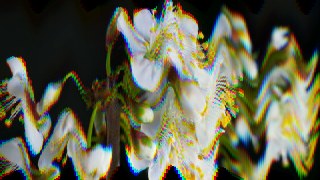
You shape the motion with Amplitude (how far the warp pushes, in pixels), Frequency (how many wave crests, rings or turns appear), and Speed (how fast it animates). A Detail control layers in a second harmonic for richer, less mechanical ripples, and Radial and Swirl add Center X / Center Y so you can place the eye of the vortex anywhere. A Chromatic toggle splits the red, green and blue channels by an adjustable amount for a glitchy RGB-fringe look, and a background color fills any areas pulled past the frame edge. Set Amplitude to zero and Liquid passes the image through untouched. Preview free, then export to MP4, WebM or PNG in 9:16, 1:1 or 16:9 — and chain it with other effects via Combine or animate every slider on the keyframe timeline.
Use it for
- Add flowing water-ripple motion to a static photo for a hypnotic loop
- Give vertical 9:16 reels a swirling liquid intro or outro
- Push a music-video clip into a psychedelic radial-ripple state
- Distort a webcam feed live with horizontal or vertical waves
- Layer an RGB-split chromatic warp for a glitchy retro vibe
- Animate amplitude and speed on the timeline for a build-and-release pulse
How to use it
Open the Studio and pick a source: your webcam, a video or an image.
Add Liquid from the hub, tweak its controls and watch the preview update live.
Export a 9:16 MP4 (or WebM / PNG) — no watermark with a license.
6 ready-made looks
Each look is a one-click starting point for Liquid — it opens in the Studio on a demo clip, ready for your own footage.