KRKART
ToneKit — retro halftone and CMYK print screen for photo and video
ToneKit rebuilds any image or video out of printed dots — halftone screens, newspaper grain, comic Ben-Day dots, or full 4-color CMYK separations. It runs entirely in your browser on your webcam, a video, or a still, and nothing is ever uploaded.
What it does
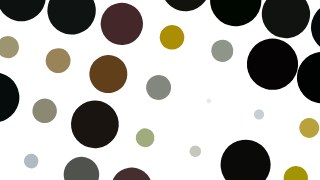
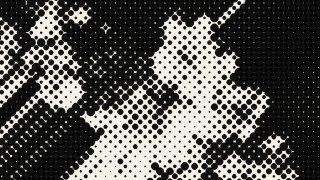
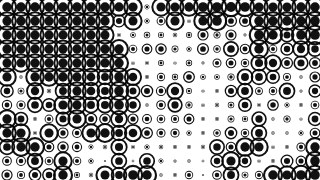
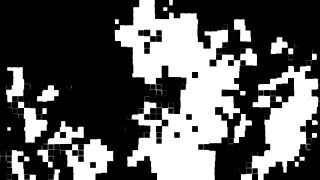
ToneKit samples your source frame on a grid and turns every cell into a mark whose size scales with the local brightness — dark areas grow into fat dots, bright areas thin out to nothing, the classic halftone trick. You choose from 16 mark shapes (Square, Circle, Cross, Triangle, Line, Spiral, Hexagon, Ring, Stroke, Polar, Capsule, Heart, Diamond, Star, Plus and Dot+Ring), then dial the grid with Sample (cell size in px), Scale (mark size), Dot Gain and Edge Sharpness to push the tone curve from delicate newsprint to heavy ink coverage. A Threshold mode hard-cuts the image to pure black-and-white at a brightness cutoff, with an optional Halftone+Threshold hybrid and mix slider for stippled ink looks. Invert, a Global Angle and a legacy Pattern Twist let you set the screen angle, and Animate Spin rotates the whole screen over time for moving video.
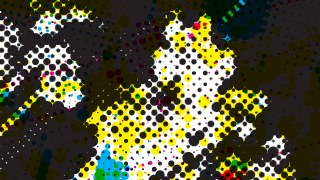
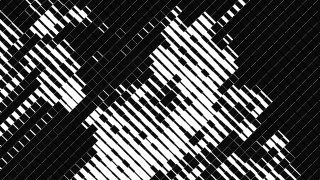
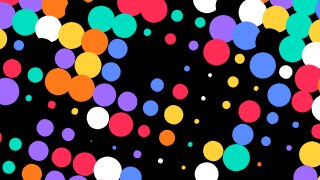
Two engines ship in one tool. Single mode keeps it to one screen and colors the dots from the Original pixels, a Random pop palette, or Mono — plus a Tone Color Map that ramps marks between two custom colors by brightness. CMYK mode runs four separate screens (cyan, magenta, yellow, black) at classic anti-moiré angles you can tune per plate, multiply-composited like real process printing, with fully editable ink colors. Round it off with a custom or transparent background, a Multiply blend, and an Overlay Original control to ghost the photo back in under the dots. Seven presets — Classic Dots, Newspaper, CMYK Print, Comic, Threshold Ink, Line Screen and Rainbow Pop — give you a one-click starting point. Preview free, chain it with other effects via Combine and animate parameters on the keyframe timeline, then export MP4, WebM or PNG in 9:16, 1:1 or 16:9.
Use it for
- Give a music video a gritty newspaper-print look in real time
- Turn a portrait into comic-book Ben-Day dots for a poster
- Build authentic CMYK print separations from any photo
- Make a 9:16 reel out of animated spinning halftone dots
- Stylize webcam footage live as a retro dot-matrix stream
- Stamp product shots with a high-contrast threshold ink effect
How to use it
Open the Studio and pick a source: your webcam, a video or an image.
Add ToneKit from the hub, tweak its controls and watch the preview update live.
Export a 9:16 MP4 (or WebM / PNG) — no watermark with a license.
7 ready-made looks
Each look is a one-click starting point for ToneKit — it opens in the Studio on a demo clip, ready for your own footage.