KRKART
Sketch — turn video and photos into a hand-drawn pencil sketch
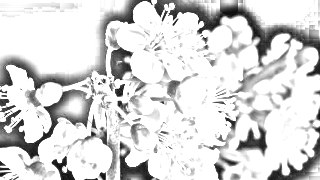
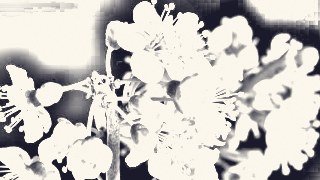
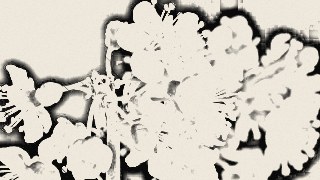
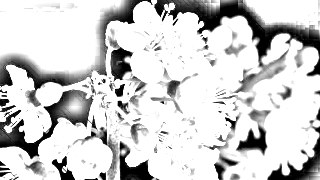
Sketch redraws your webcam feed, video or image as a graphite pencil drawing in real time — grayscale dodge shading plus darkness-aware diagonal hatching. It all runs in your browser and nothing is ever uploaded.
What it does
Sketch builds the classic pencil look the way an artist's filter does: it converts the frame to grayscale, blurs an inverted copy, and color-dodges the two together to pull out soft shading and clean pencil lines. Detail controls the blur radius — small for fine, tight strokes, large for loose and smudgy. Darkness pushes contrast around mid-gray, and Clean Highlights lifts the lighter areas back toward bare paper so your whites stay crisp.
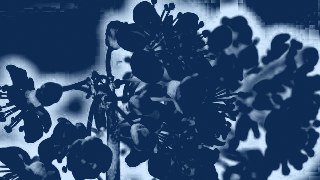
On top of the shading, an optional hatching layer strokes real diagonal lines that only appear where the drawing is dark — the darker the area, the denser the hatch. You control the angle, spacing and density, and Cross-Hatch adds a second perpendicular pass that bites only into the very darkest zones. Tune the Look with custom paper and pencil colors, add paper grain on the highlights, or flip on Chalk mode for white strokes on a dark board. Pick a working resolution for the speed/quality trade-off, then export at up to 60fps.
Use it for
- Redraw a talking-head clip as a pencil sketch for a 9:16 reel
- Turn a portrait photo into hand-drawn line art for a print or poster
- Give a music video a moody chalk-on-blackboard look
- Animate the Detail and Darkness sliders on a keyframe timeline for a draw-in reveal
- Stylize webcam footage live for a sketchbook-style stream overlay
- Chain Sketch with other effects via Combine for a mixed-media collage
How to use it
Open the Studio and pick a source: your webcam, a video or an image.
Add Sketch from the hub, tweak its controls and watch the preview update live.
Export a 9:16 MP4 (or WebM / PNG) — no watermark with a license.
5 ready-made looks
Each look is a one-click starting point for Sketch — it opens in the Studio on a demo clip, ready for your own footage.