KRKART
Camcorder — the '90s home-video and Y2K digicam look
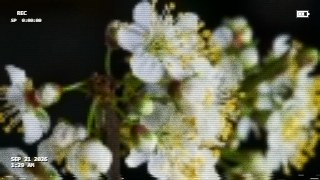
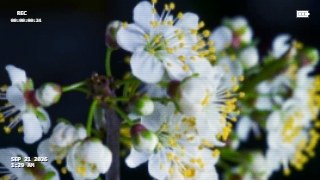
Camcorder makes clean footage look like it was shot on tape or a 2000s point-and-shoot: soft luma, bleeding color, interlace lines, tracking noise, a blinking REC dot, timecode, date stamps and battery icons. It runs entirely in your browser — nothing is uploaded.
What it does
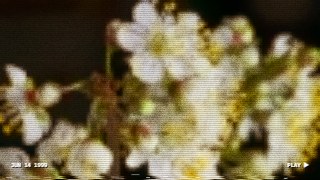
Camcorder rebuilds the way old cameras degrade a picture. The frame is re-sampled at tape resolution, then the color is blended back from an even lower-resolution layer and shifted a few pixels — the smeared, bleeding chroma you get from VHS and Hi8. On top come interlace lines, video noise, an optional head-switching band at the bottom of the frame and the occasional tracking bar where the tape slips.
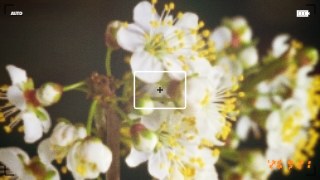
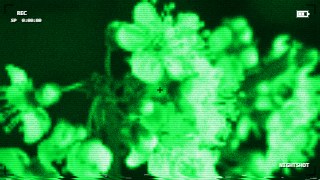
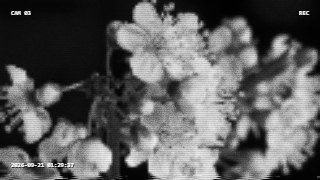
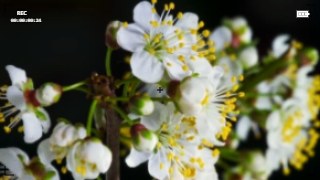
Five camera styles change the whole character: VHS Camcorder, Mini DV, Y2K Digicam (crisp, punchy, with a flash-lit center), Hi8 Night (green night-shot) and Security Cam (mono, CCTV-style). The on-screen display is authentic and switchable piece by piece: REC dot, counter or timecode that really counts with the clip, date and time, battery, viewfinder brackets, plus PLAY / NIGHTSHOT / AUTO tags. Y2K Digicam draws the date in glowing orange seven-segment digits, bottom right, exactly like the stamped photos of the era.
Add handheld shake, contrast punch and a warm, cool, night-vision or B/W color cast, or type your own date (“JUN 14 1999”) for a convincing family-video memory. Everything is deterministic, so exports are frame-accurate.
Use it for
- “Found footage” and throwback Reels & TikToks with a real REC dot and timecode
- Y2K digicam flash-photo aesthetic for portraits, fits and party clips
- Fake birthday or family home-video memories with a custom date stamp
- Security-cam and night-vision skits and horror shorts
- Vlog viewfinder overlays: brackets, battery, REC, zoom-era text
- Music videos and lyric clips “shot on camcorder”
How to use it
Open the Studio and pick a source: your webcam, a video or an image.
Add Camcorder from the hub, choose a look and tweak its controls — the preview updates live.
Export a 9:16 MP4 (or WebM / PNG) — free at 720p, no watermark.
7 ready-made looks
Each look is a one-click starting point for Camcorder — it opens in the Studio on a demo clip, ready for your own footage.