KRKART
Kinetic Type — animated text and captions for video
Kinetic Type makes words move: captions and titles that pop in word by word or letter by letter, with a karaoke highlight that follows the phrase, typewriter, bounce, glitch, wave, blur and zoom entrances. Write several phrases, and each one animates in, holds and leaves. It runs entirely in your browser — nothing is uploaded.
What it does
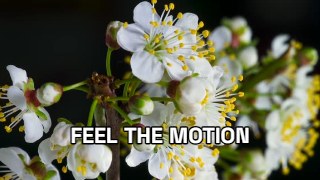
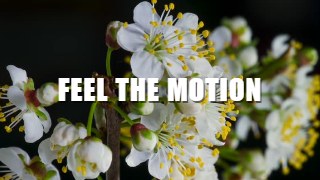
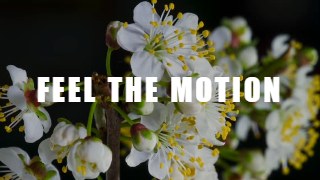
Kinetic Type is built for the text-on-video style that fills Reels, TikTok and Shorts. Type your lines separated by a vertical bar — FEEL THE MOTION | TYPE THAT MOVES — and each phrase plays in turn: it enters, holds for as long as you like, then fades or reverses out. Long phrases wrap automatically and shrink to fit the frame.
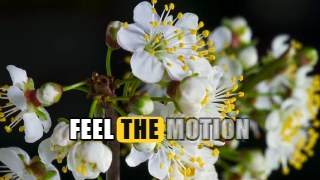
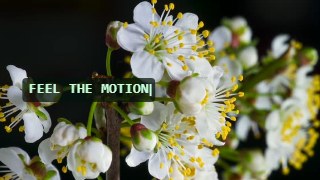
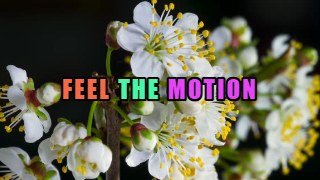
Ten entrances cover the popular styles: Pop with overshoot, Slide Up, Typewriter with a blinking caret, Bounce, Glitch with an RGB split, a Wave that keeps rippling, Blur In, Zoom, Spin and Karaoke — the whole phrase on screen while a highlighted box hops from word to word, the look of auto-captions. Animate by word or by letter, set the delay between them, and change the speed.
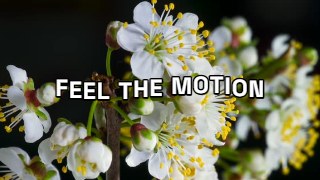
Choose a Sans, Impact, Serif or Mono font, add an outline, shadow or a box behind the text, color the words or turn on rainbow words, and drag the text anywhere on the picture. The timing is derived from the clip clock, so an exported video is frame-accurate.
Use it for
- Word-by-word captions and hooks for Reels, TikTok and Shorts
- Karaoke-style lyric and quote videos with a moving highlight
- Title cards and lower thirds that animate instead of just appearing
- Typewriter and glitch titles for tech, gaming and horror edits
- Bouncy, colorful letters for party, kids and product videos
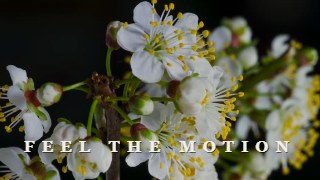
- Cinematic slow-fade titles for travel and film-look edits
How to use it
Open the Studio and pick a source: your webcam, a video or an image.
Add Kinetic Type from the hub, type your phrases separated by a vertical bar and choose a look — the preview animates live.
Export a 9:16 MP4 (or WebM / PNG) — free at 720p, no watermark.
8 ready-made looks
Each look is a one-click starting point for Kinetic Type — it opens in the Studio on a demo clip, ready for your own footage.